
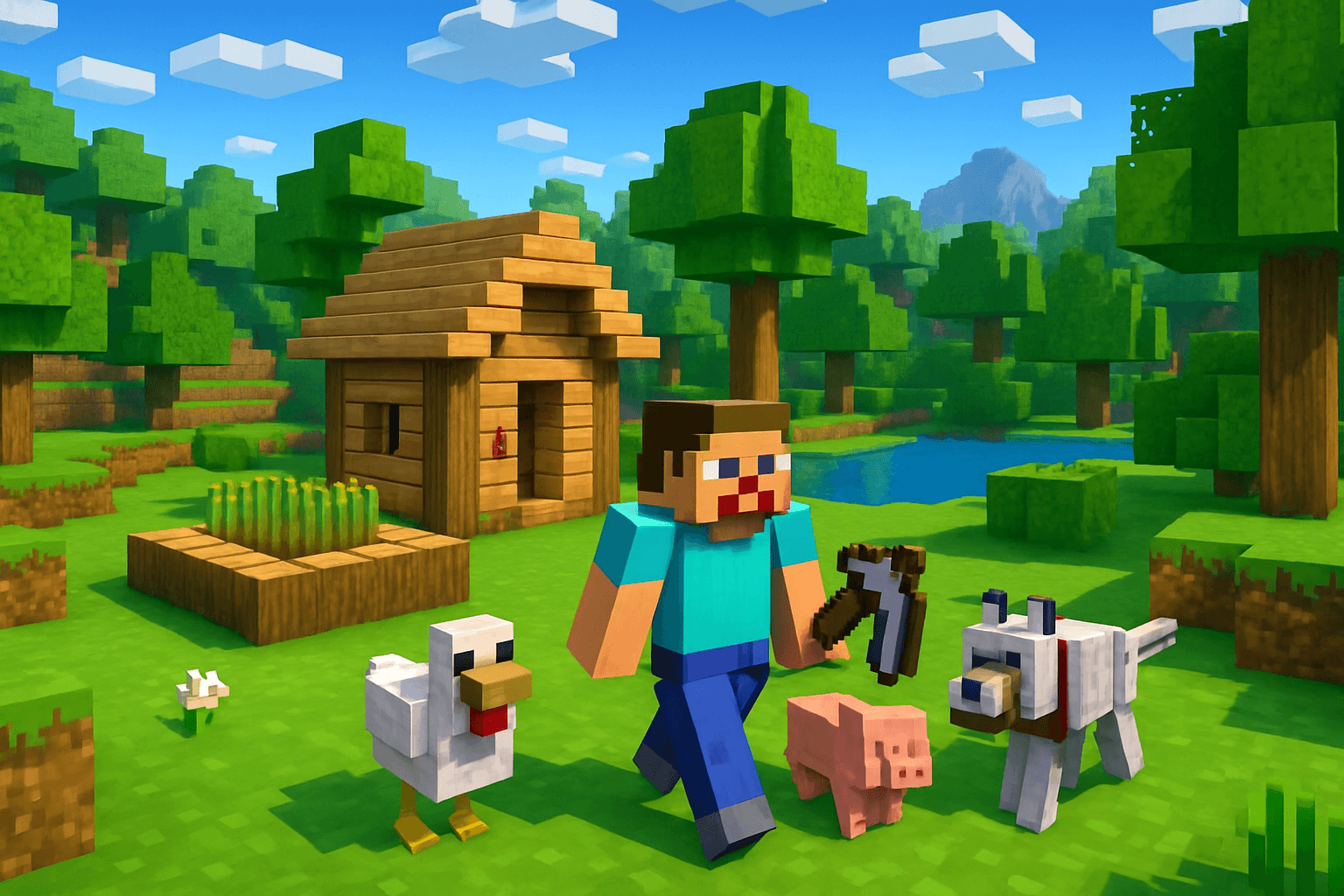

Minecraft is one of those games that's easy to start and impossible to stop. The world is yours to explore, build, survive, and shape however you want. This guide gets you from zero to confident in your first session.
What Is Minecraft?
Minecraft is a sandbox survival game set in an infinite procedurally generated world made of blocks. Every block can be broken, placed, or crafted into something else.
The game has no specific end goal unless you choose one. You can survive, build, farm, explore, fight monsters, or just wander. Most players do all of the above.
Game Modes
Survival Mode — The main experience. You have a health bar, hunger bar, and must gather resources to craft tools and build shelter. Monsters appear at night. This is what most people mean when they say "playing Minecraft."
Creative Mode — No health, no hunger, and all items are freely available. Used for building and designing without survival pressure.
Hardcore Mode — Like Survival, but with one life. If you die, the world is permanently deleted. For experienced players seeking the ultimate challenge.
Adventure Mode — Designed for custom maps. You can't break most blocks without the right tool. Good for puzzle and story maps.
Spectator Mode — You fly through the world invisibly. Used for exploring and filming.
Start in Survival Mode. It's the full experience.
Basic Controls (Java Edition)
| Action | Control | |--------|---------| | Move | WASD | | Jump | Space | | Sprint | Double-tap W or hold Ctrl | | Sneak | Left Shift | | Attack / Break Block | Left Mouse Button | | Place Block | Right Mouse Button | | Open Inventory | E | | Open Chat | T | | Pause | Escape | | Hotbar Slots | 1-9 or Scroll Wheel |
Hold the left mouse button to break blocks. The block breaks when the progress bar completes.
Your Inventory
Press E to open your inventory. You'll see:
- A 4x4 crafting grid (top right)
- Your character preview
- 27 inventory slots
- 9 hotbar slots at the bottom (accessible without opening inventory)
- 4 armor slots
Items in your hotbar are always accessible. Put your most-used tools and food there.
Day One — Step by Step
Here's exactly what to do in your first Minecraft day (you have about 10 minutes of daylight):
Step 1: Punch a Tree
Walk up to any oak tree and hold left mouse button on the trunk. Break 4 to 8 wood logs. This is your first resource.
Step 2: Open Your Inventory
Press E. Drag the logs into the 2x2 crafting grid (top right of inventory). You'll see oak planks appear. Craft as many as possible.
Step 3: Craft a Crafting Table
In the 2x2 grid, fill all four slots with planks. This creates a Crafting Table. Place it anywhere.
Right-click the Crafting Table to open a 3x3 crafting grid — now you can craft almost anything in the game.
Step 4: Craft Basic Tools
Using the 3x3 grid, craft (from top to bottom priority):
Wooden Pickaxe:
P P P
_ S _
_ S _
(P = plank, S = stick)
Wooden Axe:
P P _
P S _
_ S _
Wooden Shovel:
_ P _
_ S _
_ S _
Step 5: Mine Stone
Find stone (gray blocks underground or in exposed cliff faces). Use your pickaxe to mine it. Collect 20 to 30 cobblestone.
Step 6: Upgrade to Stone Tools
Craft a Stone Pickaxe, Stone Axe, and Stone Sword using cobblestone instead of planks.
Step 7: Craft a Furnace
Fill the outer ring of the 3x3 grid with cobblestone (leaving center empty). This makes a Furnace. Place it down.
Step 8: Find Food
Look for:
- Animals (cows, pigs, chickens) — kill them for raw meat. Cook it in the furnace for better saturation.
- Berries, mushrooms, or apples from oak trees.
- Village farms if you find a village — wheat, carrots, and potatoes.
Step 9: Build a Shelter
As night approaches, build a simple shelter. Dig into a hillside, place your crafting table and furnace inside, seal the entrance with dirt or a door, and place torches.
You're safe for the night.
Understanding Hunger and Health
Your hunger bar (the drumstick icons) drops as you sprint and perform actions. When it reaches 0, you stop regenerating health. Keep food in your hotbar and eat whenever the bar drops below 6 shanks.
Your health bar (the heart icons) regenerates automatically when your hunger is above 18 (9 full shanks). Keep your hunger high and health replenishes on its own.
What to Do After the First Night
With a basic shelter and stone tools, here's what to focus on next:
- Find iron. Mine down from Y=15 to Y=64 and look for orange-brown ore (iron ore). Smelt it into iron ingots.
- Craft iron tools and armor. Iron pickaxe, sword, and a full set of iron armor keep you safe through most situations.
- Find a village for beds, villager trading, and food.
- Build a proper base instead of the emergency shelter.
- Start exploring caves for coal, iron, and eventually diamonds.
Sleeping in Beds
Craft a Bed using 3 wool (from sheep) and 3 planks in a horizontal row. Sleep in it at night to skip darkness and reset your spawn point.
If you die, you respawn at your bed's location. Always sleep in a bed as soon as you have one.
Your First Key Goals
Think of early Minecraft progression in milestones:
- Stone tools — Day 1 goal
- Iron armor and tools — Day 2-3 goal
- Enchanting table — Requires diamond (rare) and bookshelves (sugar cane + leather)
- Nether Portal — Craft with 14 obsidian and a flint and steel
- End Portal — Find a stronghold and collect Eyes of Ender
- The Ender Dragon — The final boss of the vanilla game
These milestones can take days or weeks of play depending on your pace. There's no rush.
Final Thoughts
Minecraft rewards curiosity above everything else. The more you explore, experiment, and try things, the more you'll discover. Every world is different, every playthrough teaches you something new, and no two survival runs ever feel the same.
Start punching that tree. Your adventure begins now.